
On this page
- What Is WinMatch KYC?
- Why WinMatch Requires Account Verification
- How to Verify a WinMatch Account
- What Documents Does WinMatch Require for KYC?
- Passport Verification on WinMatch
- Using a Driver’s License for WinMatch Verification
- Utility Bill for WinMatch KYC
- How Long Does WinMatch Verification Take?
- Registration Details Matter Before KYC
- WinMatch KYC and Deposits
- WinMatch KYC and Withdrawals
- KYC and WinMatch Payment Methods
- Verification and WinMatch Bonuses
- KYC for WinMatch Casino Players
- KYC for WinMatch Sports Betting
- WinMatch Verification on Mobile
- Protecting Personal Documents During Verification
- What Can Cause Problems with Verification?
- What WinMatch Does Not Specify About KYC
- KYC, Licensing and WinMatch Security
- Verification Before You Need a Withdrawal
- WinMatch Account Verification in Practice
What Is WinMatch KYC?
KYC stands for “Know Your Customer”. In WinMatch’s material it meant comparing account information with evidence about the individual behind the account. Registration created a username and password. Email confirmation demonstrated access to an inbox. Document review concerned the person identified in the profile. Having completed the first two stages did not establish the outcome of the third.
Think of an email change and a name correction. One affects the address at which a customer receives messages. The other may affect how an identity document matches the account. Treating both as password problems would send either enquiry to the wrong part of the process.
| Stage in the account history | What that stage establishes |
|---|---|
| Profile creation | Sign-in credentials have been set up for the WinMatch account. |
| Inbox confirmation | The customer has demonstrated access to the registered email address. |
| Signed-in session | The holder can see profile details, the available balance and recorded bets. |
| Identity evidence requested | Account Settings provides the route for submitting the document specified. |
| Submission awaiting a decision | A reviewer still needs to assess the evidence and communicate the result. |
| Identity review approved | WinMatch associated completed verification with access to its full set of account features. |
| Observed status | What it establishes | Unresolved question |
|---|---|---|
| Email confirmed | A confirmation link or code reached that mailbox. | Has the account holder’s identity been reviewed? |
| Document submitted | A file was sent for review. | Has the reviewer accepted its contents? |
| Replacement requested | The earlier file did not complete the check. | Which field or document type does the request identify? |
| Review complete | The account displays a verification outcome. | Does a specific payment have a separate check? |
Why WinMatch Requires Account Verification
WinMatch described identity review as part of protecting transactions and meeting its licensing responsibilities. One account could hold a balance and records of payments, sports activity and casino rounds. An identity request aimed to connect those records to the person claiming access, especially where money or a change in account details was involved.
The stated purpose matters when deciding what information belongs in a response. A reviewer may need evidence of identity or address. A support representative tracing a technical upload problem can begin with the case identifier, the error and the document category. There is no need to circulate a full passport image merely to describe a broken upload.
Identify what a KYC request asks for
Tick the details you can identify in the original request before sending any follow-up.
How to Verify a WinMatch Account
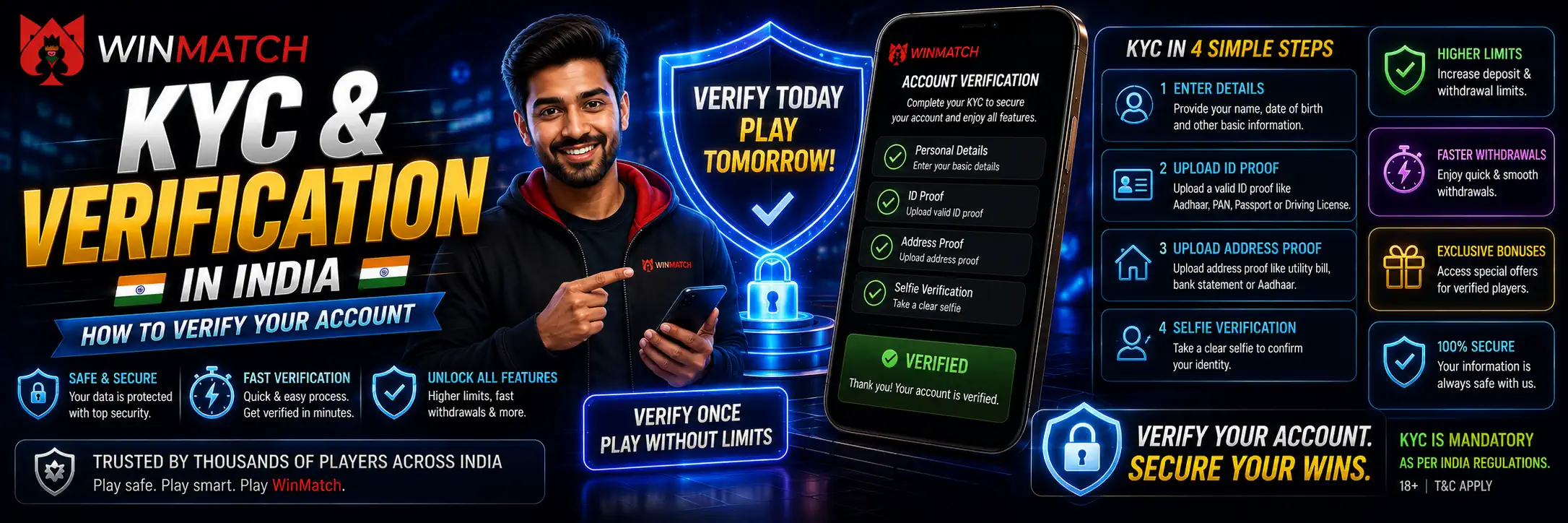
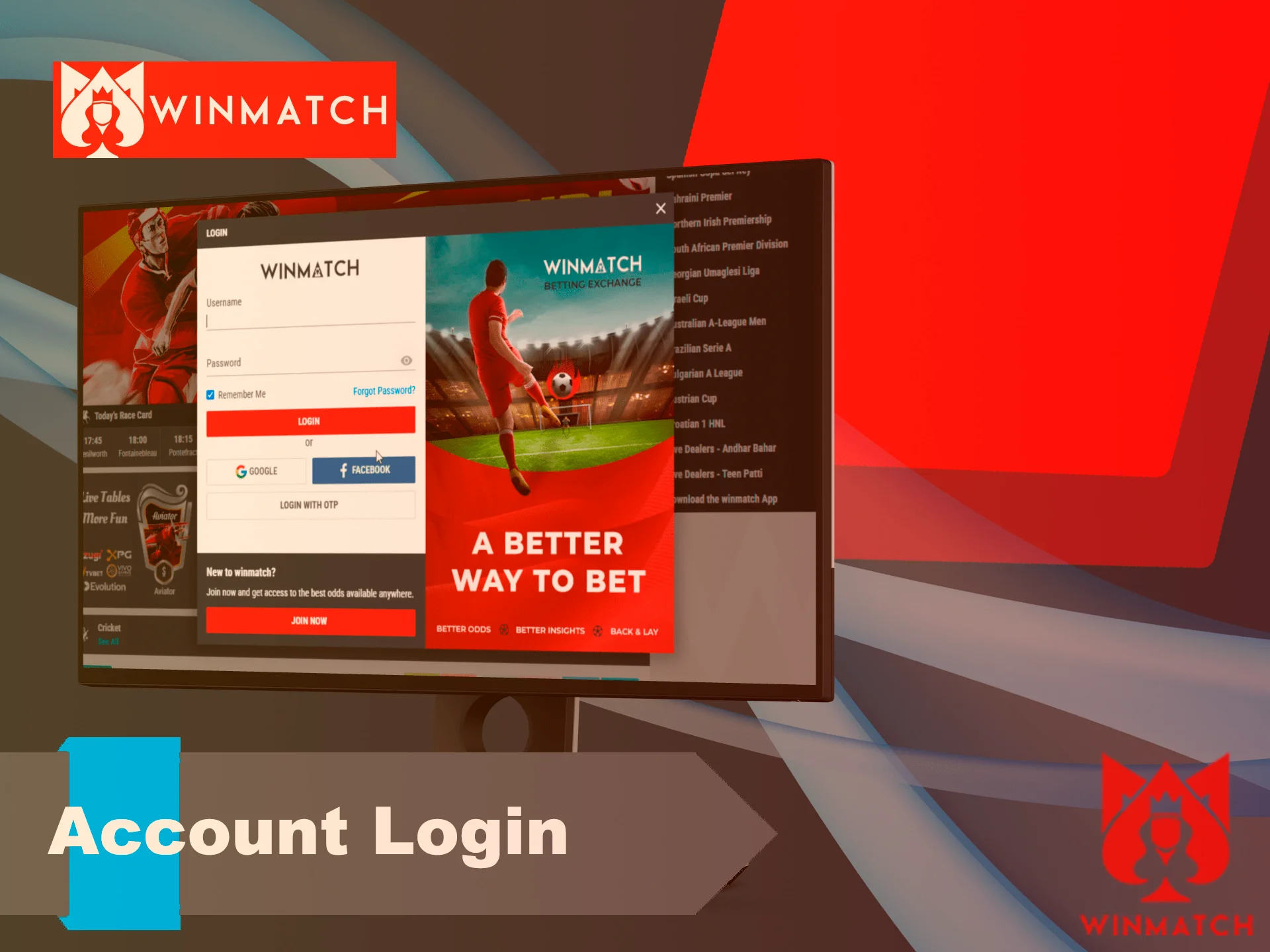
The path in the original instructions was to enter the established account, open Account Settings and select Verify Account. The screen then specified the requested document and provided the upload route. After submission, the customer had to wait for an account decision. Starting a chat was not described as a substitute for that process.
A practical sequence for an existing case is to read the prompt, prepare just the required evidence, inspect the preview and retain the acknowledgement. If the account says the upload succeeded, look for a review result before resubmitting. If it says the upload failed, capture the exact error without including the contents of the document.
What Documents Does WinMatch Require for KYC?
| Evidence named in the guide | Question the evidence can address |
|---|---|
| Passport | Identifies the document holder where this form of ID is requested. |
| Driving licence | Can establish identity if the verification screen accepts a licence. |
| Utility statement | Can associate a named person with the address shown on the bill. |
| Another document specified in the account | Use the document category identified in the individual verification request. |
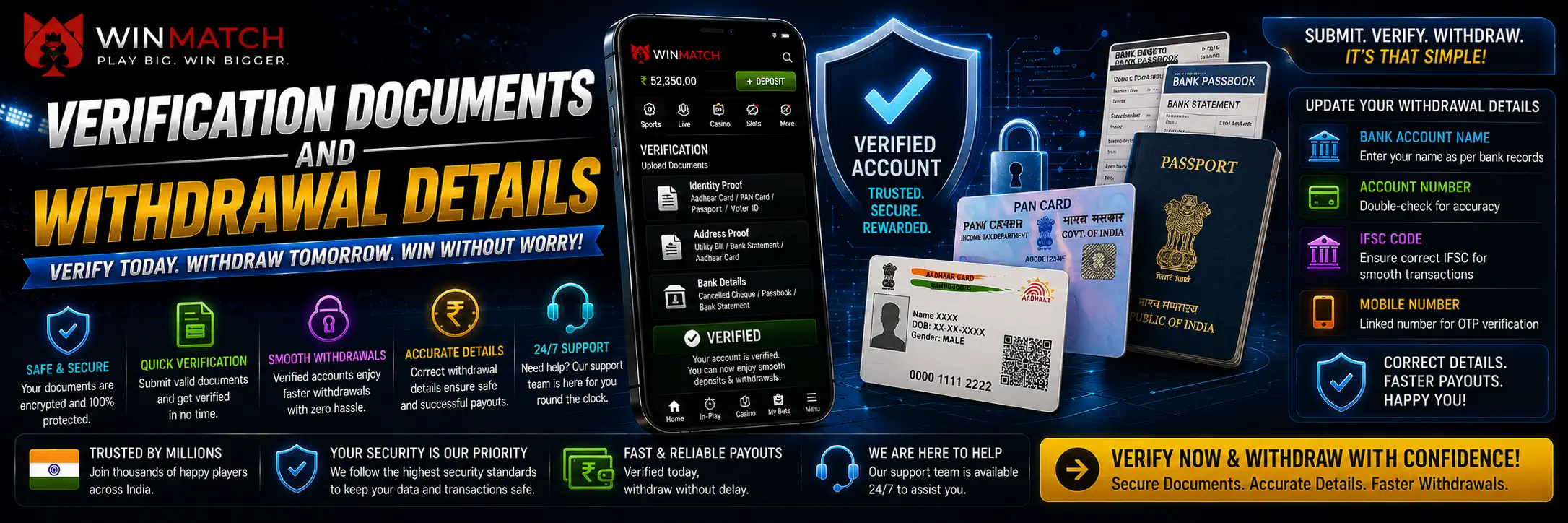
The examples WinMatch gave were a passport, a driving licence and a utility bill. The first two generally identify the holder. A utility bill can help associate a named customer with an address. A request for proof of address and a request for photographic identification serve different purposes even if both appear in one verification screen.
Before selecting a file, read which category the prompt accepts, which part of the document it requires and which conditions it attaches. The original summary did not require every person to provide all three examples at once. Submitting extra files would expose additional information without addressing a missing required detail.
Passport Verification on WinMatch
A passport was one of the identity examples. If an existing request specifies it, look at the preview at a size where you can actually read the required fields. Glare across a name, a cropped page edge or a focus point on the table behind the document can make a high-resolution photograph unusable.
The name in the profile and the name on the document should refer to the same person. Where their presentation differs because of transliteration, a changed surname or a correction, explain the discrepancy through the account process. Do not retouch a document to make its fields look like those on a form.
Using a Driver’s License for WinMatch Verification
The driving-licence example was an alternative identity document where the relevant prompt allowed it. It did not give every licence holder an automatic entitlement to use that document in every check. In particular, a request for an address may ask for different evidence from a request to identify the account holder.
Inspect both the requested side and the document’s legibility before uploading. A phone screen may make a blurred image appear sharp until you enlarge it. If the account asks for another side or a different document type, respond to that instruction rather than uploading the first file repeatedly.
Utility Bill for WinMatch KYC
Unlike a photo ID, a utility bill can link an account holder’s name to an address and an issuing organisation. The useful fields depend on the request. An image showing only the amount owed may leave out the name, address or billing date the reviewer needs to see.
WinMatch’s short description did not set a general maximum age for bills, name a complete roster of utility companies or say that a screenshot and an original electronic bill would always receive identical treatment. Check the actual instructions before disclosing a statement. If the bill is in another person’s name, ask about accepted alternatives; altering the customer name would misrepresent the record.
How Long Does WinMatch Verification Take?
The archived material gave no guaranteed decision time. File transmission, acknowledgement and human or automated review are separate stages. An upload completing within seconds says nothing about when a reviewer can complete the account check. A dated acceptance message gives the enquiry a more useful starting point than the time the customer photographed the document.
If the prompt requests action, address that request. If the status remains under review, quote the submission date, case reference and current status when contacting support. The brand advertised round-the-clock assistance; a channel available at night does not imply an identity decision at the same hour.
A timeline can show when the customer rather than the reviewer held the next action. If the first upload was acknowledged on Monday, further address evidence was requested on Tuesday and a replacement was acknowledged on Thursday, quote both acknowledgements. Describing the account as waiting unchanged since Monday leaves out an important decision and response. A second customer in the same calendar week may have a different review history without either case demonstrating a universal turnaround.
Registration Details Matter Before KYC
A spelling error in an original profile can surface years later when a document is compared against it. A change of address can create a similar discrepancy for a different reason. The repair is to identify which field is outdated and ask how to correct that field, keeping a record of the legitimate change.
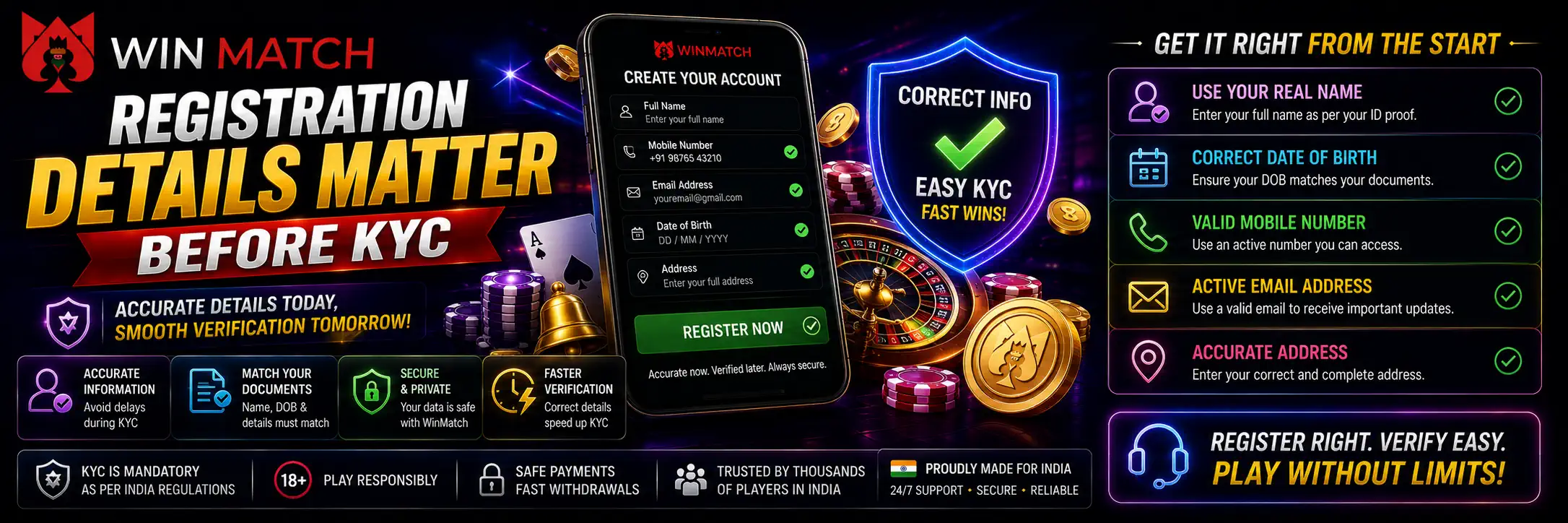
An account holder who confirmed an email address has shown they could access the inbox at that point. They have not shown that every profile detail matches later documentation. Use the correction procedure available to the existing account; a new profile with conflicting details can make ownership and payment history harder to reconcile.
Initials can also be presented differently in a profile and an identity document. A bank record may display a single initial where a passport spells out the name; moving a family name between fields can create a similar discrepancy. Identify the exact field and ask which supporting evidence the review accepts. Correct the account through the designated process if instructed. A still-readable document with a genuine difference requires clarification, not cosmetic changes to a photograph.
WinMatch KYC and Deposits
The payment guide listed GPay, PhonePe, Amazon Pay, UPI, cards and bank transfer. Each method’s minimum concerned the size of a payment. The identity process concerned the ownership and status of the account. WinMatch’s description did not establish that each deposit prompted the same document request or that funding completed KYC.
A bank debit can support an enquiry about a missing account credit. It generally will not answer an outstanding request for photo identification. If both issues are present, keep a payment reference for the funds and a verification case reference for the documents. The two records can then be discussed without exchanging unrelated personal information.
WinMatch KYC and Withdrawals
A withdrawal can make an existing identity issue more visible because money is waiting to leave the account. The public material did not establish a universal cash-out amount that triggered review or a fresh upload on every withdrawal. Neither a low amount nor a previously successful payment proves what checks apply to an individual case.
If the withdrawal record says identity review is pending, read the verification status before contacting a bank. If the account says review is complete and the payment was released, request or locate the payment reference instead. A document enquiry and an incoming bank transfer require different evidence.
KYC and WinMatch Payment Methods
In the original schedule, ₹100 was the floor on four mobile methods, ₹500 on Visa/Mastercard and ₹1,000 on bank transfer. These values were associated with transaction routes. They were never identified as thresholds below which a customer could avoid KYC, and no separate universal KYC threshold was supplied.
Consider two past transactions of ₹500, one by card and one by UPI. The same amount could meet the method-level minimum for both. That finding answers only a question about payment size. Whether the associated account was awaiting review must be determined from its identity status and dated correspondence.
A ₹100 UPI minimum belongs to a cashier schedule. Neither that line nor a separate ₹10,000 receipt identifies a threshold for requesting ID. One describes the permitted size of a transfer; the other documents an amount. The verification request itself identifies the document needed.
Verification and WinMatch Bonuses
WinMatch’s older offers included a 100% welcome casino match, a Free Exchange Bet, a ₹500 referral reward and a birthday offer. Each had a promotional purpose. Identity approval addressed account ownership. The guide did not make approval itself a prize or promise that uploading a particular document would activate one of those offers.
For a disputed referral or welcome credit, keep the activation entry and dated promotional conditions. For a pending KYC decision, keep the specific request and acknowledgement. If a withdrawal involves both questions, resolving identity review may still leave bonus conditions to be checked against the account history.
KYC for WinMatch Casino Players
Slots, live tables, Teen Patti, Andar Bahar, poker, TV games and crash games were all described within the same wider casino account. WinMatch associated verified status with fuller account access, without publishing an independent document procedure for each game category.
A round that failed to settle is a game-record question. A message asking for evidence about the account holder is an identity question. Distinguish them when seeking help. A round identifier, title and timestamp can assist support with the former; the reviewer’s specific document prompt is what governs the latter.
KYC for WinMatch Sports Betting
The same account identity applied across cricket, IPL markets, other sports and the exchange features described in WinMatch’s material. A sportsbook slip identified an event and a stake. It did not prove that the person presenting a screenshot owned the account or controlled the payout destination.
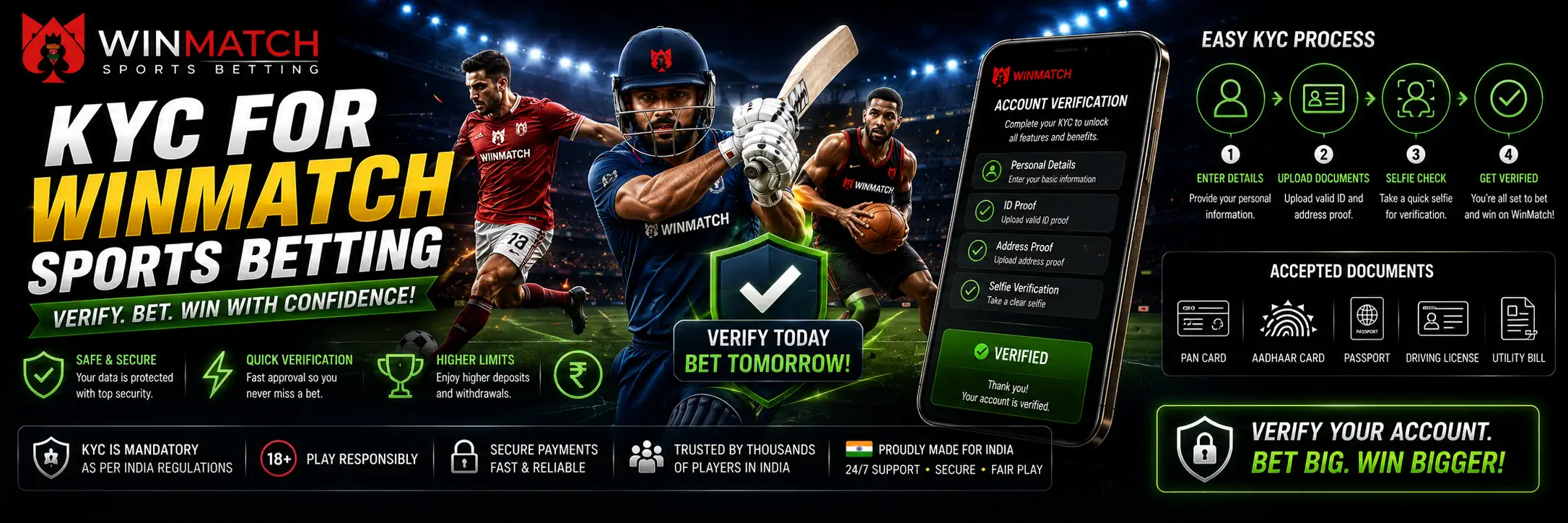
An account holder investigating a historical sports return may therefore need to resolve two independent facts: whether the slip settled correctly and whether the account passed a requested ownership check. Keep the slip and its settlement information together. Use the dedicated verification channel for evidence about the person behind it.
WinMatch Verification on Mobile
On Android or iOS, the camera and the upload form may open in different screens. Before sending anything, inspect the file the form actually selected. It is easy to select the photograph beside the intended document in the gallery or to submit a screenshot of an instruction screen.
Use a private device where practical. Check what the preview reveals and retain only the acknowledgement needed to track the case. If the mobile upload fails, note the file type, size and exact error displayed. Those details can explain a technical limitation without sending an identity document outside the account’s document-upload page.
A file existing in the camera gallery, appearing in an upload preview and being acknowledged by the server are three different states. After a jump from camera to browser, verify which state the screen actually shows. A thumbnail may only mean the browser has selected a file. If the app closes before it confirms receipt, check the existing request history before restarting the upload. That avoids relying on a locally stored photo as evidence of a submitted case.
Protecting Personal Documents During Verification
A passport scan may reveal a full name, date of birth, number and portrait in one image. A bill may identify a household address. Once such files enter a group chat or an unknown email inbox, the account holder loses control over where copies go. Restrict them to the designated request and keep the case information separate from the document itself.
If someone offers quicker approval by direct message, compare that method with the account’s documented process. Contact the established support channel independently. A verification reviewer does not need a customer’s email password, card security code or UPI PIN to read identity evidence.
Before lending a handset to someone else, check the downloads folder as well as the gallery. A bill downloaded as a PDF can remain accessible even after an image preview is closed. Keep any original needed for your own records in a private location and remove redundant shared copies. This housekeeping concerns the copies under your control; it does not tell you what the operator has retained or when an uploaded file will be deleted.
What Can Cause Problems with Verification?
The first distinction is technical acceptance versus review. A file rejected immediately may have the wrong format, excessive size or a failed upload, if the screen says so. A file accepted and later returned may have unreadable information or fail to answer the requested category. Those are possible explanations, not an official catalogue of rejection reasons.
Read the exact message and address the specific issue. If a clear file was requested, confirm the new preview is readable. If address evidence was requested, a sharper picture of an unrelated document still will not supply it. Preserve the reason when asking support for clarification.
What WinMatch Does Not Specify About KYC
The public outline named the route and several documents but left operational details to the individual prompt. It did not publish a fixed completion period, global file-size cap, exhaustive list of formats or mandatory document count. Nor did it state a monetary trigger for review or a universal bill-recency rule.
This distinction can save an unnecessary upload. A forum instruction such as “send three PDFs under a particular size” has no authority over a screen asking for one readable image. If the platform does not show the condition needed to resolve an error, ask for that specific condition and keep personal material out of the initial question.
KYC, Licensing and WinMatch Security
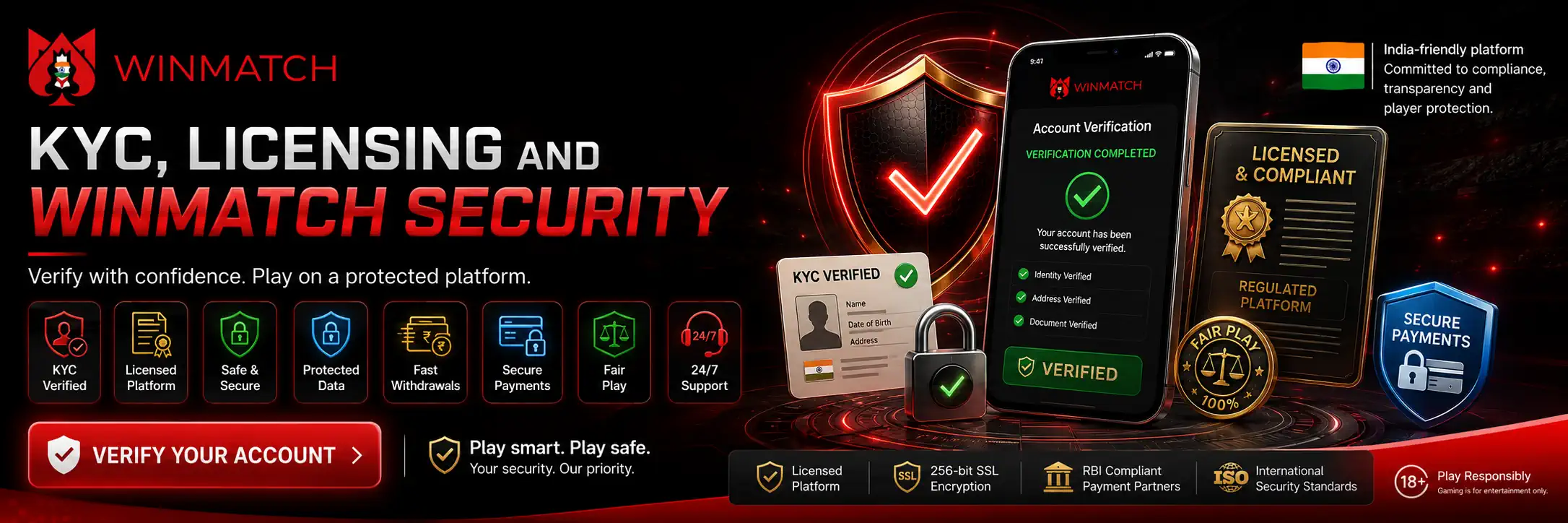
WinMatch’s own historical description referred to a Curaçao gaming licence, encryption and payment systems it described as verified. Those were platform statements accompanying its account materials. They do not establish the current status or territorial reach of a particular authorisation, and none changes the need to identify who is requesting sensitive information.
For a customer with an existing verification case, the practical point is narrower. A request inside the established account is something that can be matched to a case reference. A message using the same logo outside that process still needs independent authentication before personal information is shared.
Verification Before You Need a Withdrawal
A pending document question is usually simpler to investigate while the original email, device and evidence are still available. Where an old account already has a request, check its status and retain the acknowledgement. That helps separate a later cash-out delay from an unresolved identity issue.
Avoid collecting or sending speculative evidence “just in case”. An account showing no outstanding request does not need a bundle of personal records sent to a general address. Preparation means knowing where the status appears and keeping control of the account credentials, rather than creating extra copies of sensitive documents.
WinMatch Account Verification in Practice
Consider an address check returned because a bill photo clipped the holder’s name. The correct next action is to read the message, confirm the account is asking for address evidence and supply the appropriate complete view through that request. A second passport photo would answer a different question.
After the replacement is acknowledged, retain its case reference and wait for the result. When a final decision appears, keep that decision separate from the account’s email-confirmation message and any payment receipt. Each item then proves one precise fact about the history of the account.
Current rules in India
India prohibits online money games and their promotion. The product screens and account terms shown here document earlier versions of WinMatch. Government of India · Online Gaming Rules, 2026
Published · Updated